
Turn Your Facebook Group Into a Marketplace
Your buy-and-sell group already trades every day - in comments, DMs and Venmo. Add a marketplace layer under it and earn a commission on every sale. The group stays.
14-day free trial. Keep your Facebook group - this adds a layer, it doesn't replace it.
Watch the Full Guide
Add a Marketplace to Your Facebook Group
The model, the readiness test, a live build with payments and shipping, and the launch sequence
Six things
Facebook can't do
The model
Community stays, trade moves
Live build
Listings, Stripe, shipping
Launch
The 4-week sequence
Read the full video transcript▼
You're sitting on a gold mine (0:00)
If you run a Facebook group where people buy and sell from each other, you're sitting on a gold mine. You're just not getting paid for it. I build marketplace software for a living, and the founders that launch the fastest and have a huge advantage are the ones that already have an active community, like a Facebook group, where transactions are already happening. So this video is all about what to move from your Facebook group to a new marketplace layer, what to leave on your Facebook group, and the launch sequence for your new marketplace.
Six things Facebook can't do (0:35)
Your Facebook group is great at one thing: keeping your community active and talking. But it's pretty terrible at six things that a marketplace needs.
Payment. You can't take payment directly on your Facebook group, so people have to write each other and then pay via PayPal or Venmo or some other payment provider, and there's no protection there. Shipping. No labels, and no tracking number afterwards. Trust. There are no reviews tied to any sales - after a sale, you can't put a review on a seller's profile. Search. In a big group, whatever is posted in the morning is already gone in the afternoon; it's really hard to find what you're looking for, even as a buyer. Records. Nobody knows what was sold - there's no record of it. And last but not least: you, as the group owner, can't earn any money on it. You can't take a cut, like a 10% commission on every sale. This is where you have a huge opportunity - taking a commission on the sales that are already happening in your group.
What a marketplace layer looks like (2:20)
To show you exactly what I mean, I made a sample marketplace. On the all-listings page it's easy to search - if I search for "vintage", the matching listing comes up - and to filter, and there are listing types to browse. On a listing I can buy directly, which is already a huge difference compared to a Facebook group. I can also add a comment ("Do you know the exact year this one is from?") and the seller can answer right there, or I can message the seller directly.
On the seller's profile you see the number of reviews, the number of listings, how long they've been a seller. They can write about themselves, add social media profiles, and arrange their listings the way they want. That creates trust - a seller with lots of reviews is a seller buyers already trust more. And the transactions happen on the marketplace, where everything is tracked, so you avoid fraudulent sellers.
Community stays, transactions move (4:30)
I'm not talking about replacing your Facebook group. Your Facebook group should stay - it's super valuable. I'm talking about adding a new layer: your marketplace. That's where the transactions happen, where the listings live, the payments, shipping, reviews, and where sellers present themselves. This makes the group safer, and it pays you - as the group owner, and now also the marketplace owner - a commission.
The Facebook group stays. That's where the inspiration, the questions, the help, and the new members start. You feed from your Facebook group into your marketplace, and in the group, sellers link to the listings they've made.
The 3-question test (5:30)
One: is trading already happening? If so, that's a very good sign your group is ready. If not, focus on growing your Facebook group for now. Two: do sellers come back? Do you see a seller post something and then come back a few weeks later with another thing they're selling? That's a very good sign. Three: do you think your buyers will follow you? If you're confident because of all the value the marketplace adds, start building. If not, you have to spell out the reasons why buyers should follow: seller profiles, filtering, easier to find listings, more safe and secure, avoiding fraud - and point that out in the Facebook group.
Build it live (6:40)
I create a new marketplace on Prometora and choose a template - a product marketplace for buying and selling rare houseplants called The Cutting Club. After a couple of seconds we have the first version, with a hero section, a contact page, an about page, and example listings.
In the store settings I go to the listing form, where the marketplace has four listing types I can adjust. I add a custom field called Plant Type as a multi-select with comma-separated options - and custom fields become filters on the all-listings page. Then payment: I set up Stripe and paste the Stripe Connect keys into the back office.
Then shipping: a flat rate of $10, free shipping over $50, and a per-listing shipping cost sellers can set for bigger items. I add a shipping deadline of 7 days and buyer delivery confirmation: after shipping, the buyer gets an email asking them to confirm they received the order. Once they confirm, the seller receives their money - and if they do nothing, the money is auto-released after 14 days. That's a whole escrow-style setup where the seller only gets paid after the buyer has received what they ordered.
The 4-week launch sequence (9:40)
Week one: sellers only. Hand-pick 10 to 20 sellers you've already been writing with in the group, send them a personal message, and ask them to make a profile and list. Once that's done, you already have 30, 50, maybe 100 listings. Week two: the reason. List all the value - shipping, seller profiles, easier filtering - and pin it to the top of the group. Week three: change the rules. Anyone selling something in the group must link to their listing on your new marketplace. Week four: rewards for switching - prizes, highlighted posts, giveaways. And forever after: keep the Facebook group. You keep the community and the conversations on Facebook; you just drive all the transactions to your marketplace.
What you earn (11:10)
Go to the documentation and search for the revenue calculator to add your own numbers. As an example: a 10% commission, an average order value of $250, and 400 monthly orders on the Business plan is around $8,700 a month - more than $100,000 annually - with a break-even of 12 orders a month. On a $250 sale, your 10% commission is $25, the Prometora fee is $2.50, and Stripe's fee (around $7.50 in the US, lower in Europe) comes out of the seller's side - so your net is $22.50 per sale and the seller receives around $217.
Wrap-up (12:10)
If you're sitting on a Facebook group and you see transactions happening, you really are sitting on a gold mine, and you should add a marketplace to your Facebook group. Check out Prometora to do it quickly.
Six Things Facebook Can't Do
Facebook is fantastic at keeping a community talking. It is terrible at the six things a marketplace needs.
Payment
No checkout. Money moves on Venmo, PayPal friends-and-family or bank transfer - no buyer protection, no record.
Shipping
No address collection, no labels, no tracking. Every sale is a DM negotiation about who pays postage.
Trust
No verified sellers, no reviews tied to actual sales. Scammers love buy-and-sell groups for exactly this reason.
Search
A post from the morning is gone by the afternoon. Try finding “size medium, blue, under 50” in a group with 200 posts a day.
Records
Nobody knows what sold, for how much, to whom. Not the admin, not the seller.
Your cut
You moderate, recruit and resolve disputes - and there is no mechanism for you to earn anything. Zero.
So the question is not "should I leave Facebook". It's "which of these six things should live somewhere else".
Community Stays, Transactions Move
The mistake is trying to replace the group. Don't - add a layer underneath it.
Stays on Facebook
- Inspiration and show-off posts
- Questions and help
- Recruiting new members
- Links to marketplace listings
Moves to your marketplace
- Listings buyers can search and filter
- Card payments with your commission
- Shipping, tracking and held payouts
- Seller profiles and reviews tied to real sales
The group feeds the marketplace. The marketplace makes the group safer. And you take a commission on every sale, because you're now the one providing payment, protection and structure.
Do You Actually Have a Marketplace?
Three questions before you build anything. Be honest - the third one is where people fail.
Is trading already happening?
Not “could happen”. Are there posts right now with “for sale”, “ISO”, “still available”? If yes, you have supply and demand. If your group is only discussion, grow the group first.
Do sellers come back?
A marketplace needs repeat sellers, not one-off clearouts. Knitters knit again; collectors keep collecting. Someone selling one used stroller doesn't need a marketplace.
Will buyers follow?
Sellers move easily - they want a shop. Buyers have a habit, and the habit is “comment, DM, Venmo”. They move when the new place gives them something Facebook can't - and you have to say that out loud, repeatedly.
Step-by-step setup
Set Up the Marketplace Layer
The same setup shown in the video - roughly an afternoon, no developer needed.
- 1
Match listing types to what the group already trades
Create a listing type per kind of trade in your group, and set the custom fields to the questions people already ask in the comments - size, condition, material, brand. Those fields become your search filters, which is the first thing your marketplace does better than a feed of posts.
- 2
Connect Stripe and set your commission
Buyers pay by card, Apple Pay or Google Pay. You set a commission - say 10% - and it's deducted automatically on every sale before the seller is paid out. Sellers do a short Stripe onboarding (identity and bank account) and you never touch the money manually.
- 3
Keep the haggling: messaging between buyers and sellers
Group trading runs on negotiation in DMs. Your marketplace keeps that behaviour - buyers ask questions on the listing or message the seller directly - but the payment happens on the platform, with a receipt and a record, instead of in a Venmo thread.
- 4
Shipping with an escrow-style payout
Collect the buyer's address, set flat-rate or per-listing shipping, add a shipping deadline, and hold the seller's payout until the buyer confirms delivery (with automatic release after a set number of days). That's the sentence that moves buyers off Venmo: the seller doesn't get paid until your order has arrived.
- 5
Wire it back to the group
Your group linked in the header and footer, a custom domain, your colours and logo. Marketing opt-in at signup so you finally own an email list - the thing Facebook will never give you. It has to feel like the group's place, not a generic shop.
The part everyone gets wrong
The 4-Week Launch Sequence
Do not post "we have a website now" and hope. Launch it like this.
- Week 1
Sellers only
Hand-pick 10-20 of the group's best-known sellers and onboard them personally. Get 30-50 real listings up before a single buyer sees the site. An empty marketplace kills you on day one.
- Week 2
The reason
Announce to the group with the buyer's reason, not yours. Not “support the platform” - “pay by card, tracked shipping on every order, no more getting scammed in DMs.” Pin it.
- Week 3
Change the rules
The lever only a group admin has: sales posts in the group must link to a listing on the marketplace. Discussion stays; the transaction moves. Behaviour follows a pinned rule from the admin surprisingly fast.
- Week 4
Reward the switch
A monthly prize for top sellers, a giveaway for buyers who bought on the site, highlighted posts for sellers who link their listings. Small budget, big signal.
- Forever
Keep the group
The group stays the engine: conversations, new members, inspiration. You keep posting the marketplace into it - that's the whole model.
Watch part 2
Get Your Buyers to Leave Facebook
Sellers move in a week - they make more money. Buyers have a habit: comment "still available?", DM, send money on Venmo. These six things break it.
1. Protection
The biggest one - talk about it all the time. On a product marketplace the seller isn't paid until the item ships; on a booking marketplace, not until the service is done.
2. Their payment app
Apple Pay, Google Pay, Link, Cash App Pay, MobilePay: switch on the methods your buyers already use in your Stripe dashboard. Same tap-and-done, now with a receipt.
3. Offers
Buyers still haggle, but in the listing's chat. The seller sends an offer, the buyer taps Accept and Pay, and the deal ends with a receipt.
4. Tracking
No more “I posted it, promise”. Orders and messages are on record, so you can see what was said and what was promised.
5. The group rule
Pin a rule in the group: sales posts must link to a listing on the marketplace. The one move only a group admin has.
6. Social proof
Reviews on the seller's profile and badges like ID verified. In the group, trust was “I've seen her name around”. On the site it's visible.
Say them out loud, in this order, as part of the launch sequence: sellers first, then the protection post, the proof, and only then the rule.
Read the part 2 transcript▼
Sellers move, buyers don't (0:00)
When you add a marketplace layer to your Facebook group, it's usually fairly easy to move the sellers over, because they can make more money. It's trickier to move the buyers over, because they have a habit. They're used to commenting, DMing, and maybe sending money on Venmo. So in this video, I'll give you the six things you should do to break that habit, so you can quickly move both your sellers and your buyers from your Facebook group to your new marketplace.
Sellers and buyers are not symmetric (0:30)
A seller wants something. They want a shop page. They want listings that don't disappear. They want payment without chasing people on Venmo or a similar app. And they want a record of what sold. So they will sign up and show up the day you announce your new marketplace to your Facebook group.
It's different for buyers, because they already have a habit. They're scrolling, not looking. They comment "is this still available?" on Facebook, the seller DMs them, and they send maybe $20 for whatever they're buying. That has worked for them many times, so they're used to it.
So when you add a marketplace layer to your Facebook group, you have to show the buyer an obvious payoff. A buyer has to create a new account, use a checkout they're not used to, and remember a new place, your domain. If you don't state the obvious reasons to move, they'll just stay in the Facebook group. You really have to point out all the value: the security, the shipping, all the reasons to make transactions on the new marketplace instead of in the Facebook group.
The opening: buyers who got burned (1:50)
If buyers have been burned before, there's a big opening. Maybe they had a bad experience in the Facebook group. They sent money and never got what they bought, or they know someone who got burned. That's the obvious opening for moving their next purchase to the marketplace.
1. Protection (2:17)
That's the biggest one, and you should be talking about it all the time. There's no protection on transactions made through Facebook. On your marketplace, there is. For example, on a product marketplace, you can set it up so sellers aren't paid until the item ships. On a booking marketplace, you can set it up the same way, so the seller offering the service isn't paid until the service is done.
2. Payments (2:52)
Maybe a buyer is used to a payment app like Apple Pay, Google Pay, Link or Cash App. That's not a problem, because when you use Stripe and Stripe Connect for your marketplace, you can just toggle those payment methods on. In the Nordics, for example, it's very normal to use MobilePay or another payment app called Vipps, and you just go into Stripe and toggle it on. So your buyers can keep paying the way they're used to, now on your marketplace.
3. Offers (3:28)
On Facebook, a deal doesn't end with a receipt. On your marketplace, it does.
4. Tracking (3:41)
On Facebook you get situations where someone says "you promised" or "I posted it", and it gets very confusing. On a marketplace, everything is tracked, so as the marketplace owner you can easily go in, see what was said, and figure out what was promised and what wasn't.
5. The group rule (4:08)
Now that you've added your marketplace, every time a seller posts something they're selling in the Facebook group, they have to link to the listing on the marketplace. Pin that rule to the top of the group. That's an easy way for you as the admin to make sure all transactions now go through the marketplace. And when you do it, state all the reasons why. The biggest one is protection.
6. Social proof (4:52)
Say a seller has sold a couple of items through the Facebook group. They can't add reviews to their profile, because they don't really have a seller profile there. On the new marketplace, all their reviews show on their seller profile. They can also have badges, like an ID verified badge. You set all of that up as the marketplace owner. It creates trust, and it makes it easier for a new buyer to buy from that seller.
The 30-day migration plan (5:38)
Week one: move your sellers. That's the easy part, because they have an incentive to move: more sales. Get at least 20 to 50 sellers onto your new marketplace, onboarded with Stripe, and make sure they all create listings, so your marketplace doesn't look empty. Day seven: the protection post. Why buyers should move too - sellers aren't paid until the item ships. Pin it to the top so everyone in the group sees it. Day 14: the proof post. The first orders shipped, the first reviews, some screenshots, some links. Day 21: the rule. Sales posts in the Facebook group must link to the marketplace, because you want every transaction to be protected, and that's why you built the marketplace. Day 30: the numbers post. The number of sellers, the number of orders, and hopefully zero disputes. And every week after that, keep posting positive things about the marketplace and why it should be used for transactions going forward.
Start your marketplace (7:39)
If you have an active Facebook group where transactions are already happening, you're in a unique position, and you should definitely add a marketplace layer to your group. If you'd like to try building your marketplace yourself, there's a 14-day free trial on Prometora.
What you earn
Run the Numbers on Your Group
A group trading $1M a year at a 10% commission earns you $100,000 a year - on transactions that are happening today, for free, in your comments. Plug in your own commission, order value and volume.
Net monthly revenue
$250
After Prometora's fee and subscription
Annual projection
$3,000
Net revenue at this volume × 12
Above break-even
42 orders
58 above, subscription covered
Your numbers
Where each sale goes
The buyer pays $50.00
Billed to you once a month with your subscription
Deducted from the seller, not from you · US card rate
Per sale, before your monthly subscription
Projections
Profit margin5.0% of GMV
Like the look of $250/month?
Start a free 14-day trial and turn this projection into a real marketplace.
As you grow
Net revenue per month at different order volumes, based on $50 AOV, 10% commission and the Professional plan
Monthly orders → net revenue per month
| Orders | GMV | Commission | Fees | Net |
|---|---|---|---|---|
| 50 | $2,500 | $250 | -$213 | $38 |
| 100You | $5,000 | $500 | -$250 | $250 |
| 250 | $12,500 | $1,250 | -$363 | $888 |
| 500 | $25,000 | $2,500 | -$550 | $1,950 |
| 1,000 | $50,000 | $5,000 | -$925 | $4,075 |
Trusted by Marketplace Founders
Many Prometora marketplaces started exactly here: a community that was already trading.
“Highly Customizable, Exceptional Support”
“I find Prometora incredibly intuitive and easy to structure, much like Lego blocks… I've tried many alternatives, but Prometora was the only one that didn't limit my vision. Additionally, the support from Rasmus and the Prometora Team is exceptional.”
Antoanella P.
Founder
“Comprehensive, Ever-Improving System with Excellent Support”
“It is a comprehensive system that is constantly being improved and new functionalities are added. And if you are missing a function, you can contact Prometora and ask them to develop it - and they are very responsive… Prometora takes care of everything a web developer would have done in our company, so we can do without that part.”
Torben M.
CEO
“User-Friendly Marketplace Builder with Super Helpful Support”
“It's an excellent, user-friendly tool for any beginner who wants to kickstart a marketplace website quickly and start testing an idea without worrying about the technical side of things… Prometora makes it possible for a complete beginner to launch a working, fully functional marketplace within a couple of weeks.”
Verified User
Non-Profit Organization Management
Reviews collected by and hosted on G2.com
Frequently Asked Questions
Sellers list on the marketplace, the group links to the listings, and you earn a commission on every sale.
The group feeds the marketplace, and the marketplace makes the group safer.
A marketplace layer with a 5-15% commission turns trading you currently moderate for free into revenue.
You have to say those reasons out loud in the group, repeatedly, and pin them. The six things that move buyers and the video on this page show exactly how.
Benchmark data by category is in our commission rates guide.
Use the revenue calculator on this page to run your own numbers.
Sellers complete a short Stripe onboarding (identity and bank account) and you never touch the money manually. Learn more in our payments guide.
That escrow-style flow is the strongest trust upgrade over paying strangers via Venmo or PayPal friends-and-family. Shipping features are part of the Business plan.
Every plan includes listings, Stripe Connect payments, your commission, seller onboarding and profiles, messaging, and a custom domain. There is a 14-day free trial - see pricing.
The setup shown in the video takes roughly an afternoon, without a developer.
Related guides
Keep going
More videos and guides on building marketplaces from scratch.
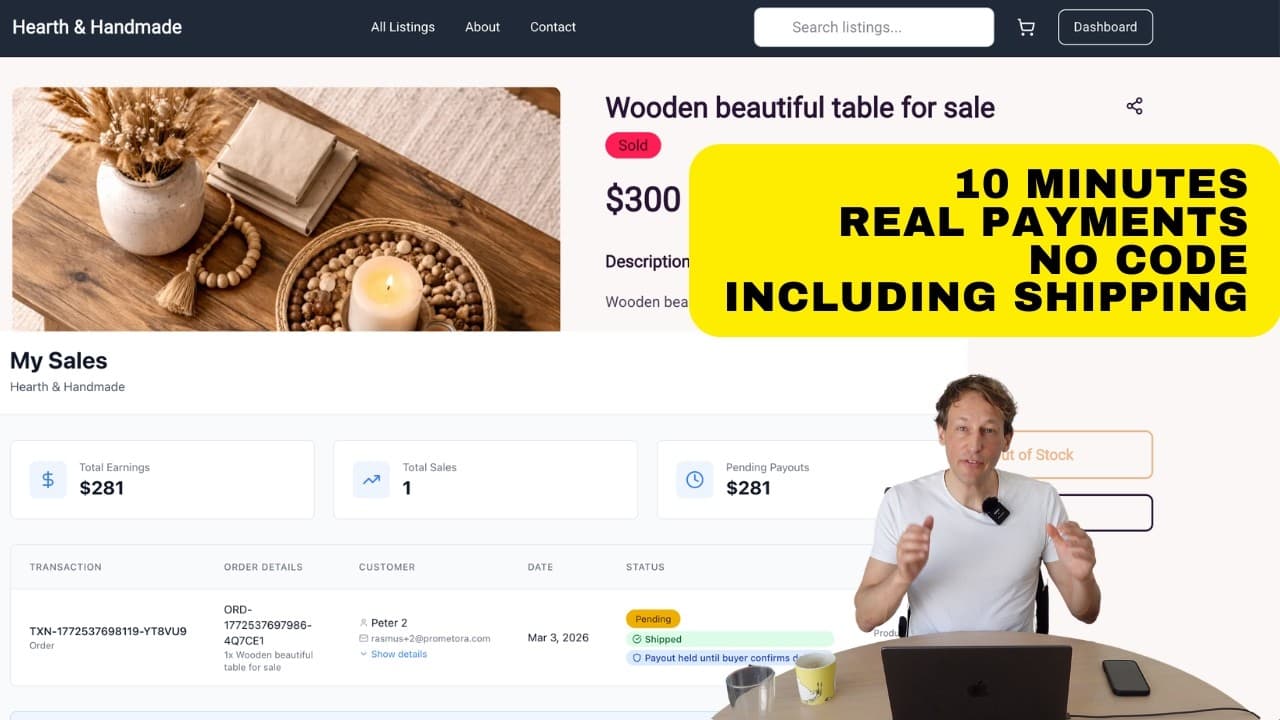
No-Code Marketplace Builder - Full Demo
From zero to a live marketplace with payments, sellers, and shipping.
Read more
How to Start an Online Marketplace
Step-by-step guide from idea to launch.
Read more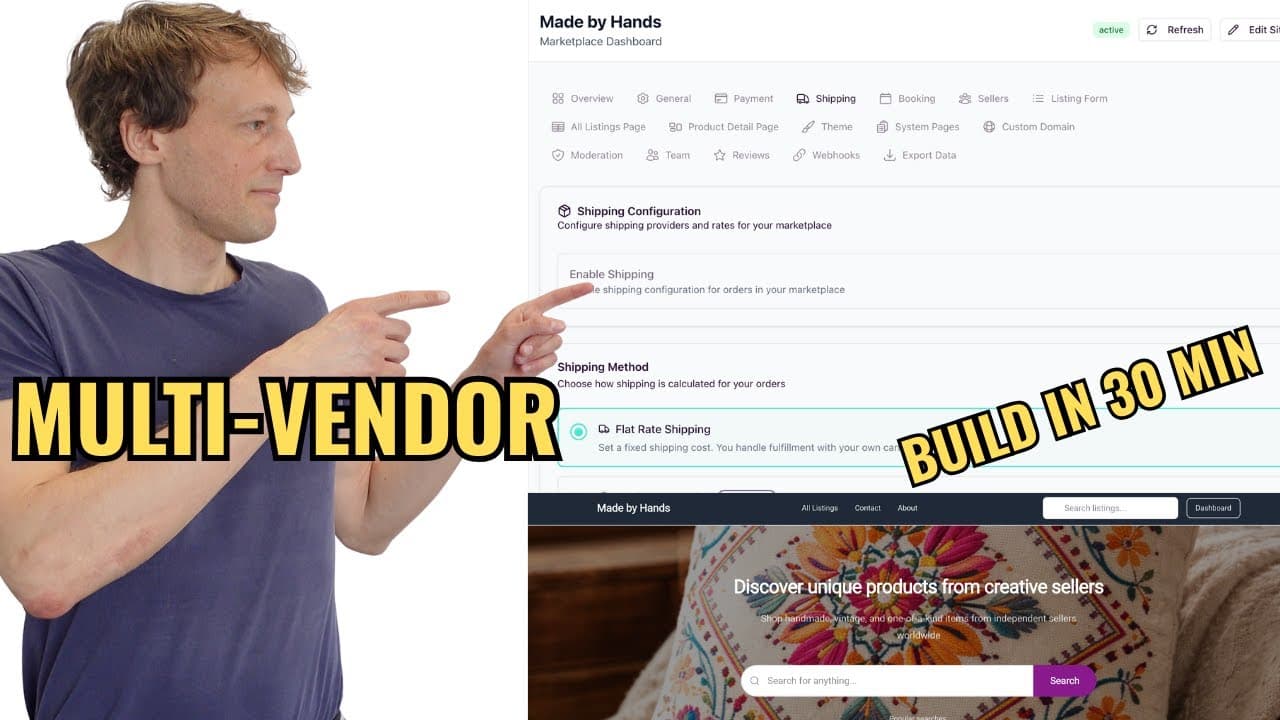
Build a Multi-Vendor Marketplace
Seller onboarding, storefronts, split payments, and order routing.
Read moreYou Already Did the Hard Part
The audience exists. The trading exists. The trust exists. Add the marketplace layer and get paid for the community you built.
14-day free trial. No charge until your trial ends.